# Mission Briefing: Your First Strike 🚀
### **Phase 1: Terminal Deployment**
This phase establishes your operational presence on the battlefield.
**Step 1: Summon the Terminal**
* **Objective:** Establish a secure comms channel with the JitoX engine.
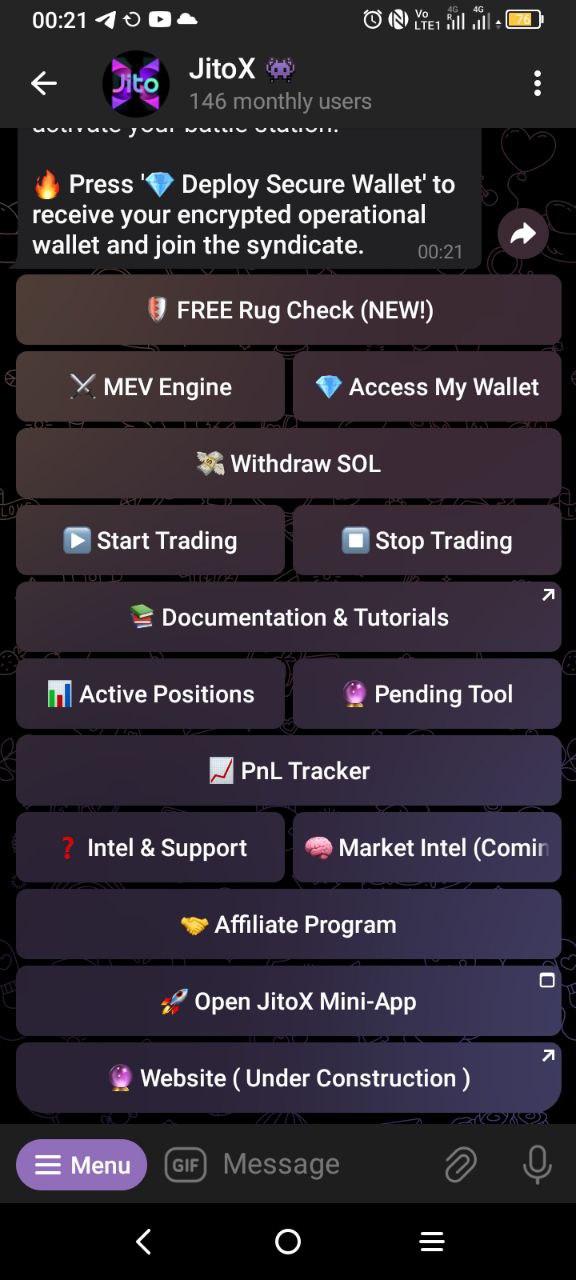
* **Action:** Open your direct comms with the JitoX bot on Telegram and execute the /start command. You will be presented with the main command center.
**Step 2: Deploy Operational Wallet**
* **Objective:** Generate your personal, non-custodial Solana wallet. This is your operational base.
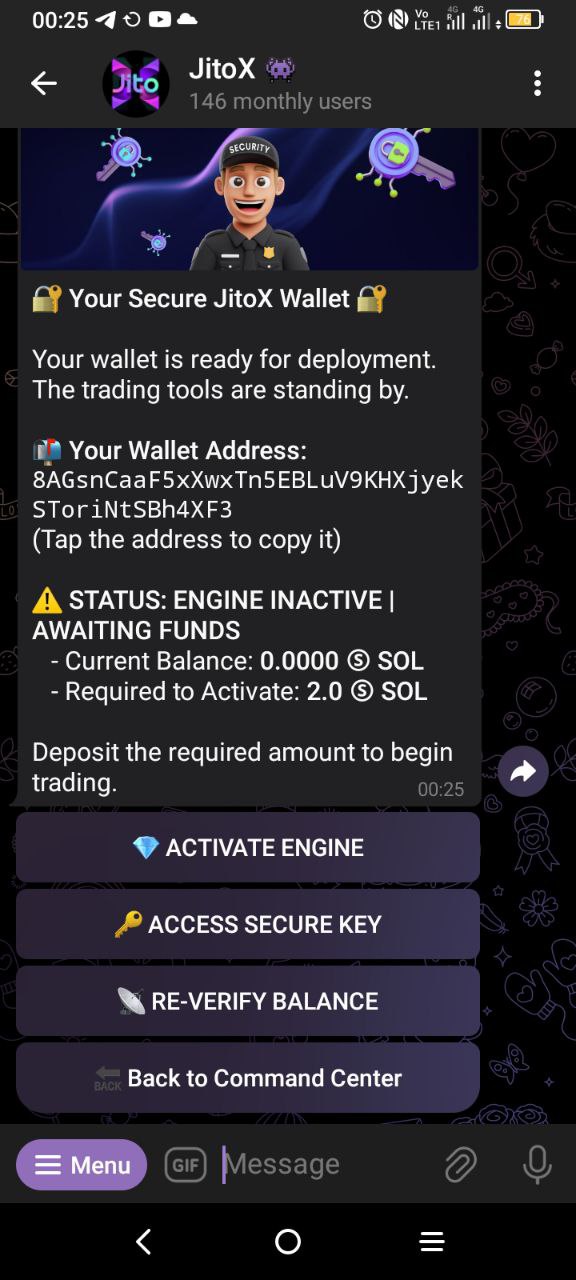
* **Action:** From the command center, execute the Create My Wallet command. The engine will instantly deploy your high-performance wallet. You, and you alone, hold the private key.
**Step 3: Fortify Your Position**
* **Objective:** Secure your operational base. A professional operator never has a single point of failure.
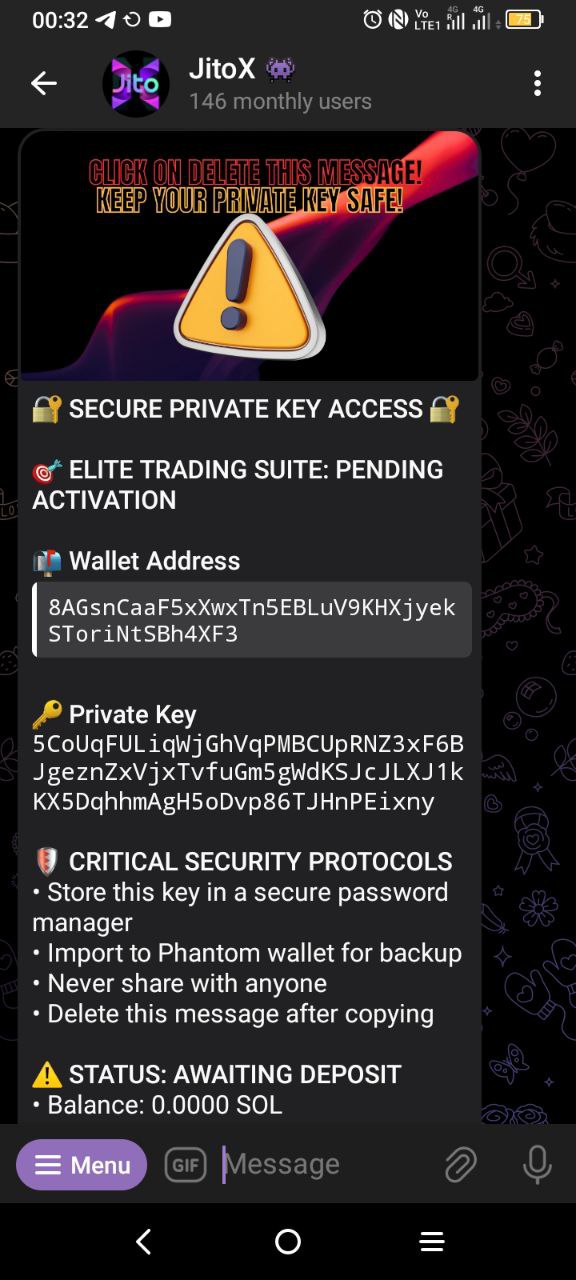
* **Action:** Access your private key via the terminal's wallet menu. Import this key into a secure, external viewer (e.g., Phantom). This is your backup. This is your direct view of all assets earned by the engine. Do not compromise this key.
### **Phase 2: Engine Activation**
Your terminal is deployed. Now, you will provide the ammunition required for the hunt.
**Step 4: Fund the Engine**
* **Objective:** Contribute your capital to the collective weapon.
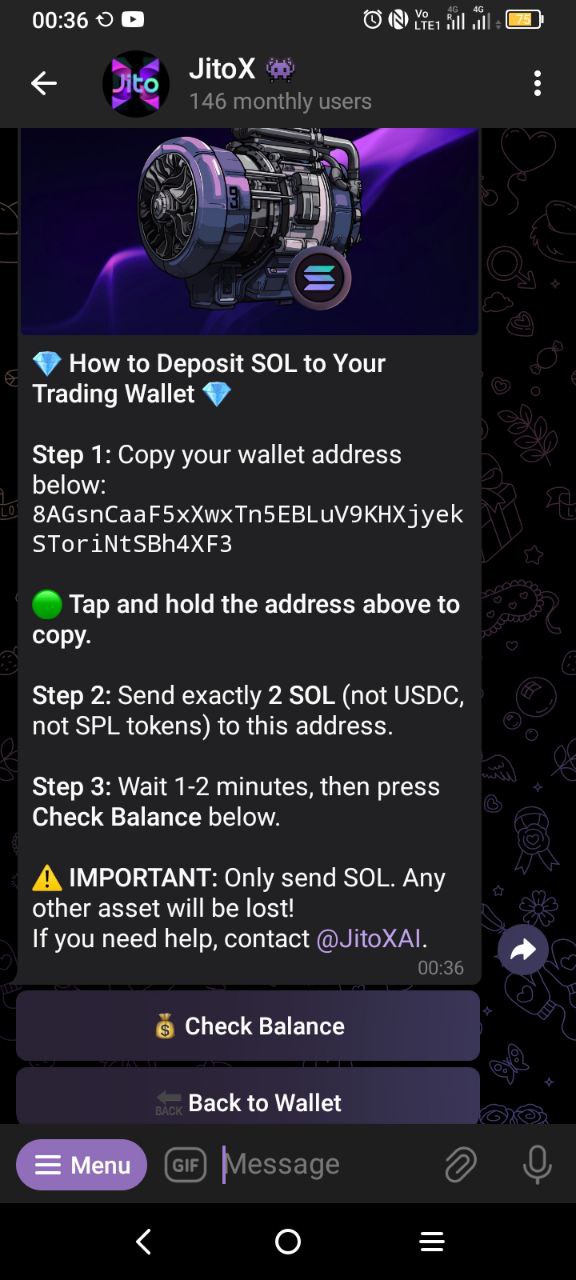
* **Action:** Transfer the required capital commitment (minimum 2 SOL) from your primary exchange or wallet to your newly deployed JitoX wallet address. This is not a fee. It is your stake. It is the ammunition the engine will use to execute strikes.
**Step 5: Await Activation Confirmation**
* **Objective:** Verify your capital is active within the collective force.
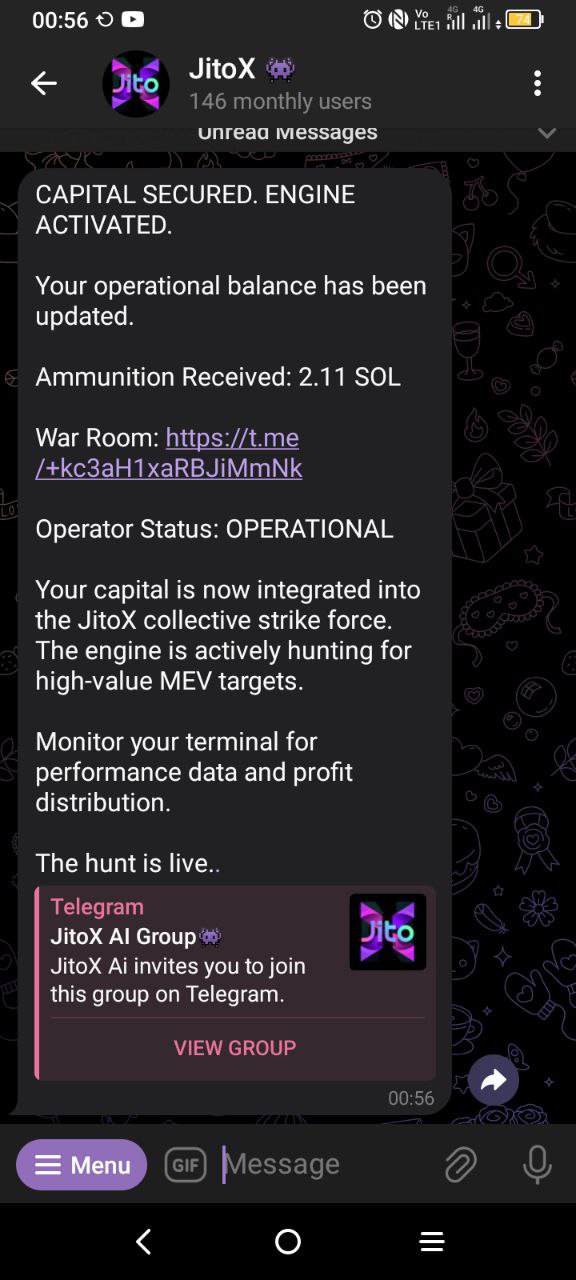
* **Action:** Once your transfer is confirmed on-chain, the JitoX engine is automatically activated. The hunt begins immediately. You will receive an official confirmation message from the terminal.
### **Phase 3: The Hunt**
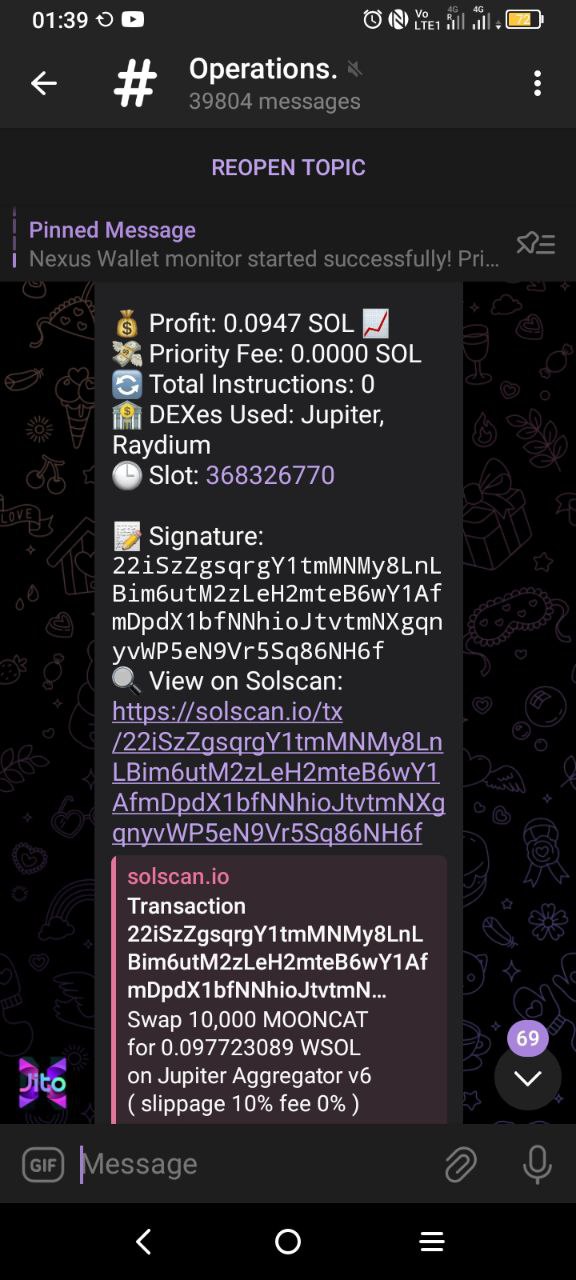
Your weapon is live. The engine operates 24/7, executing thousands of high-value strikes.
**Step 6: Monitor The Spoils**
* **Objective:** Maintain situational awareness of profit distribution.
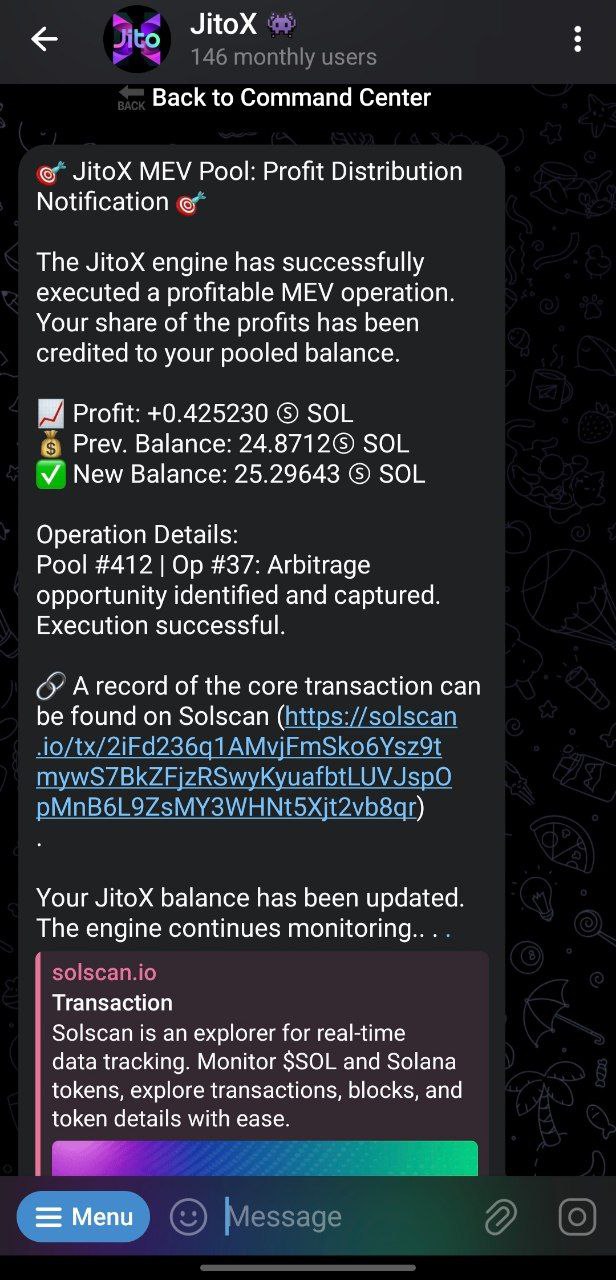
* **Action:** Use your terminal to track your operational balance. Every share of profit from successful strikes is credited to your balance instantly and can be monitored from your dashboard.
**Step 7: Join The War Room**
* **Objective:** Access the primary channel for high-level strategy.
* **Action:** Your activation confirmation provides an immediate link to the War Room. The main terminal menu also contains a persistent command for access. Use either of these channels to enter the primary hub for JitoX operators.
---
# Agent Instructions: Querying This Documentation
If you need additional information that is not directly available in this page, you can query the documentation dynamically by asking a question.
Perform an HTTP GET request on the current page URL with the `ask` query parameter:
```
GET https://jitox.gitbook.io/jitox/getting-started/quickstart.md?ask=
```
The question should be specific, self-contained, and written in natural language.
The response will contain a direct answer to the question and relevant excerpts and sources from the documentation.
Use this mechanism when the answer is not explicitly present in the current page, you need clarification or additional context, or you want to retrieve related documentation sections.